Scattered emails, paper notes, and client details lost in messages make onboarding chaotic. A clear, digital intake process sets a professional tone, reduces back-and-forth, and helps protect client data when you choose a HIPAA-ready platform1. Shorter, focused forms improve completion rates and the client experience by reducing friction and cognitive load2.

December 11, 2025 (10mo ago) — last updated October 9, 2026 (7d ago)
Best Client Intake Forms 2025: Top 12 Tools
Compare 12 client intake form tools—features, pricing, HIPAA options, and quick setup tips for coaches, therapists, and practitioners.
← Back to blog
Scattered emails, paper notes, and client details lost in messages make onboarding chaotic. A clear, digital intake process sets a professional tone, reduces back-and-forth, and helps protect client data when you choose a HIPAA-ready platform1. Shorter, focused forms improve completion rates and the client experience by reducing friction and cognitive load2.
Best Client Intake Forms 2025: Top 12 Tools
Summary: Compare 12 client intake form templates for coaches, therapists, and holistic practitioners—features, pricing, HIPAA options, and setup tips to streamline onboarding.
Introduction
Scattered emails, notes in a notebook, and client details lost in messages make new-client onboarding chaotic. A clear intake process sets a professional tone, reduces back-and-forth, and helps protect client data when you choose a HIPAA-ready platform1. Shorter, focused forms improve completion rates and the client experience by reducing friction and cognitive load2.
This guide reviews 12 top platforms for building client intake forms. For each tool we highlight what it does best, key features, pricing notes, and a pro tip to implement it quickly. Use the links below to jump to a specific tool.
- Jotform
- Typeform
- Formstack
- Google Forms
- Microsoft Forms
- Cognito Forms
- PandaDoc
- DocuSign (PowerForms)
- Adobe Acrobat Sign
- Canva
- Etsy
- Clio Grow
Quick navigation
1. Jotform
Jotform offers a large library of client intake form templates and a powerful drag-and-drop builder. It’s a solid choice if you need a scalable, feature-rich solution with advanced conditional logic and PDF generation.
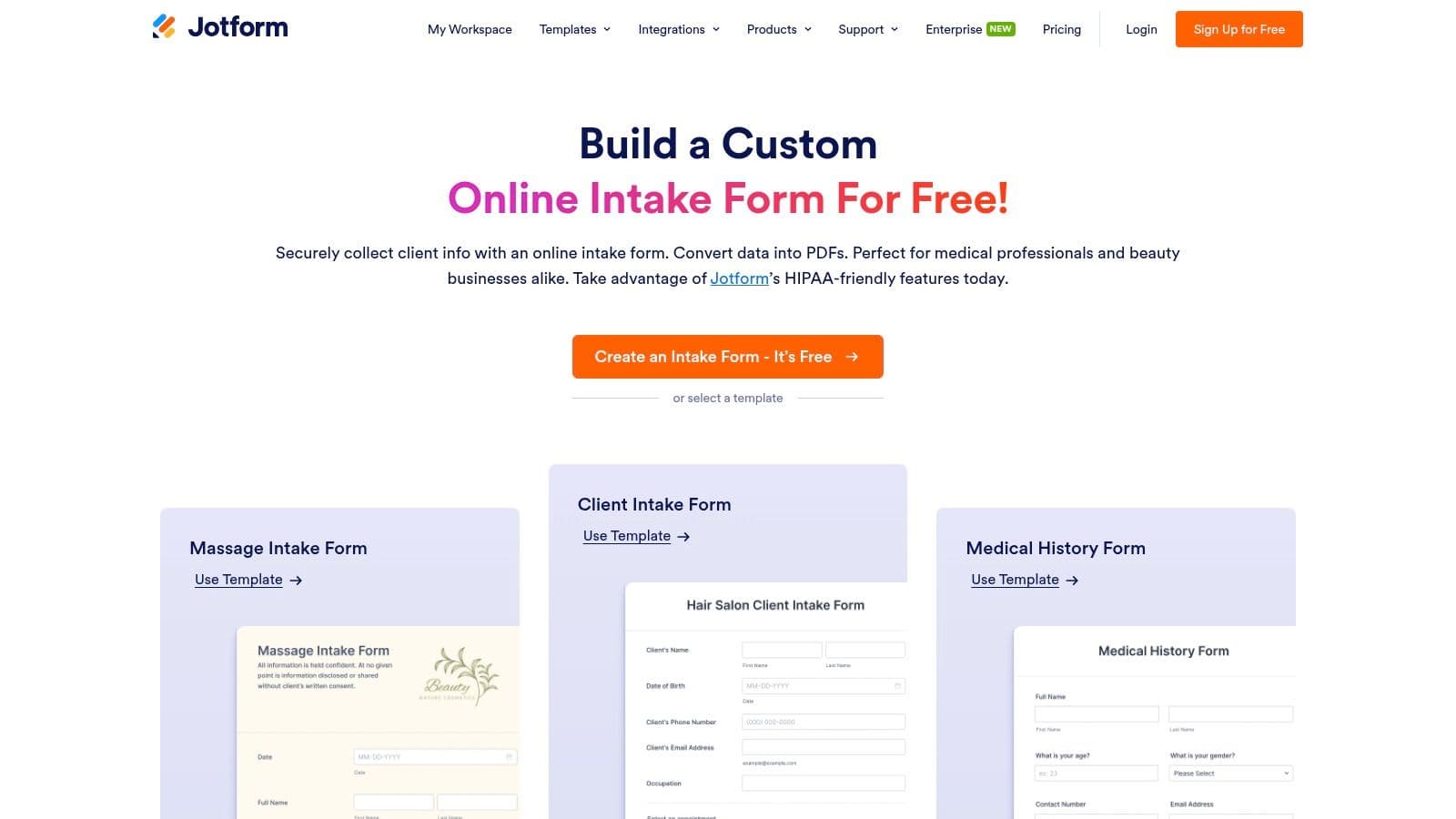
Key features & considerations
- Customization: High. Visual builder with conditional logic for dynamic, personalized forms.
- Integrations: Strong. Connects to CRMs, payment gateways (Stripe, PayPal), and cloud storage.
- Data security: HIPAA-compliant plans available with a Business Associate Agreement (BAA) for practices handling PHI1.
- Pricing: Free tier available (limits apply). Paid plans that enable HIPAA, e-signatures, and higher submission thresholds start around $34/month.
Pro tip: Use Jotform’s PDF editor to generate a branded PDF of each submission and automatically save it to a secure cloud folder.
Website: https://www.jotform.com/intake-form/
2. Typeform
Typeform focuses on a conversational, one-question-at-a-time experience that often feels more like a guided conversation than a form. That UX can boost completion rates for client-facing intake.
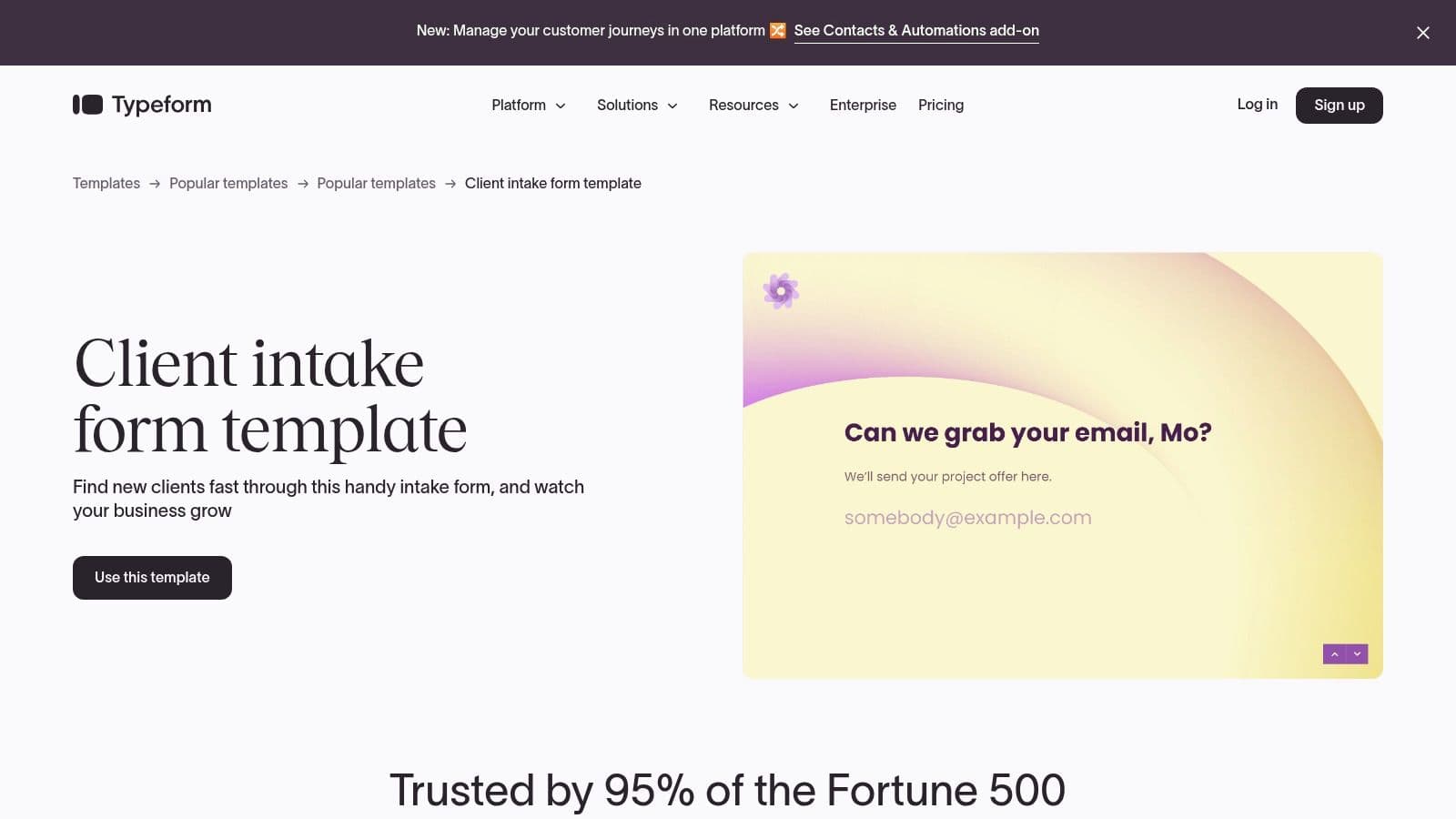
Key features & considerations
- Customization: High. Strong branding and a polished conversational layout.
- Integrations: Excellent. Works with hundreds of tools for CRM and automation.
- Data security: No native HIPAA plan; best for non-sensitive initial intake.
- Pricing: Free plan limits questions and responses; paid plans start near $25/month.
Pro tip: Embed Typeform on your “Work with me” or contact page for a seamless first impression.
Website: https://www.typeform.com/templates/client-intake-form-template/
3. Formstack
Formstack is built for workflows. It combines form building with low-code automation, document generation, and secure data routing—ideal for organizations that need end-to-end intake automation.
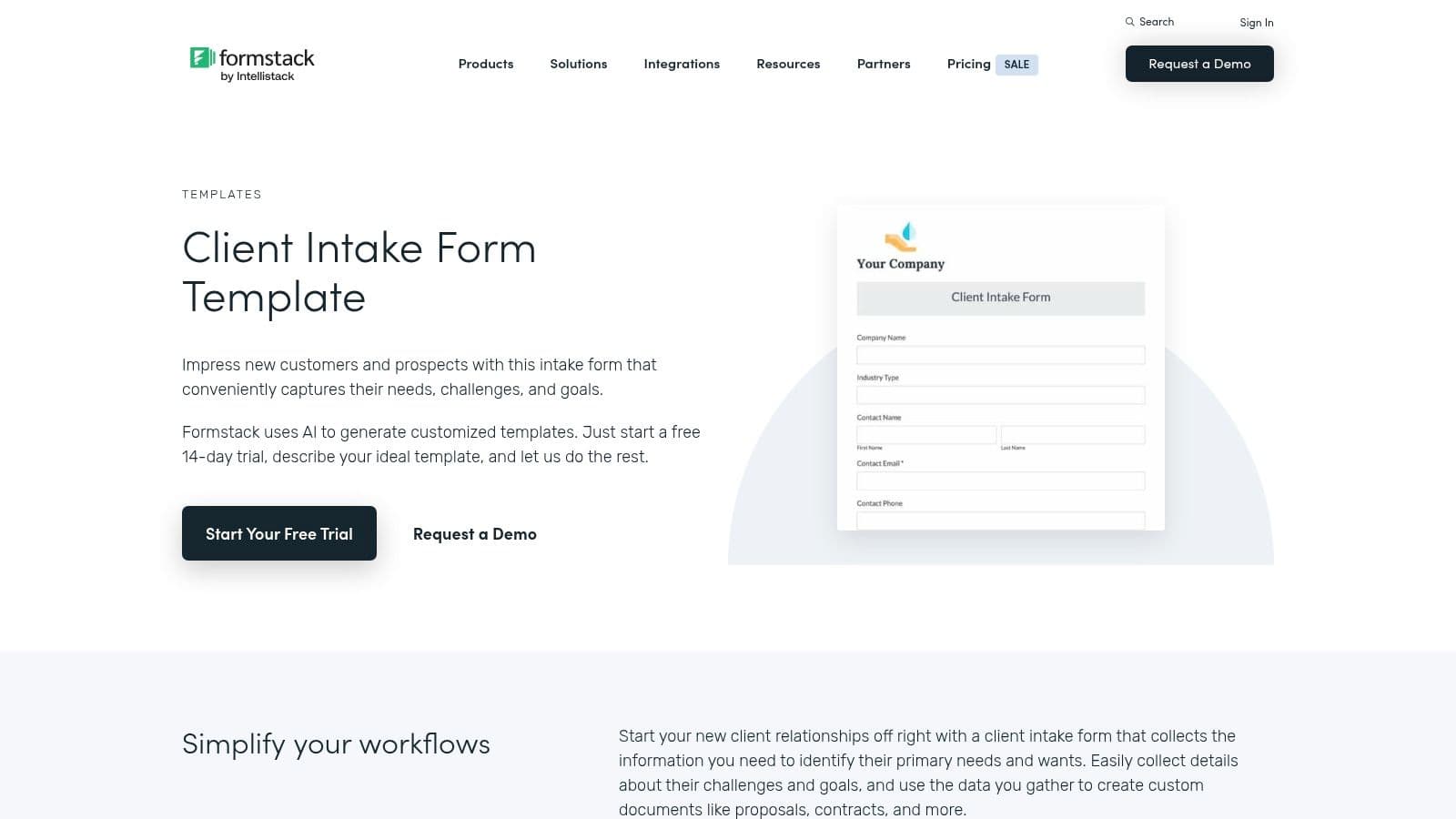
Key features & considerations
- Customization: High. Advanced conditional logic and multi-step forms.
- Integrations: Extensive, including Salesforce and HubSpot.
- Data security: Offers HIPAA-compliant plans for PHI1.
- Pricing: Higher price point; 14-day free trial available; paid plans often start around $50/month.
Pro tip: Use Formstack’s document generation to merge intake responses into branded agreements or welcome packets.
Website: https://www.formstack.com/templates/client-intake-form-template
4. Google Forms
Google Forms is free, fast, and easy. Its automatic response sync to Google Sheets creates an immediate, sortable client database—perfect for solo practitioners starting out.
Key features & considerations
- Customization: Basic. Colors, header images, and fonts only.
- Integrations: Seamless with Google Sheets and Drive; third-party add-ons extend functionality.
- Data security: No built-in HIPAA compliance on standard accounts; evaluate carefully before collecting PHI1.
- Pricing: Free with a Google account.
Pro tip: Use the File upload field so clients can submit signed agreements or IDs directly to a designated Google Drive folder.
Website: https://forms.google.com
5. Microsoft Forms
Microsoft Forms works best for practices already on Microsoft 365. It integrates natively with Excel, SharePoint, and Teams, making team collaboration and data analysis straightforward.
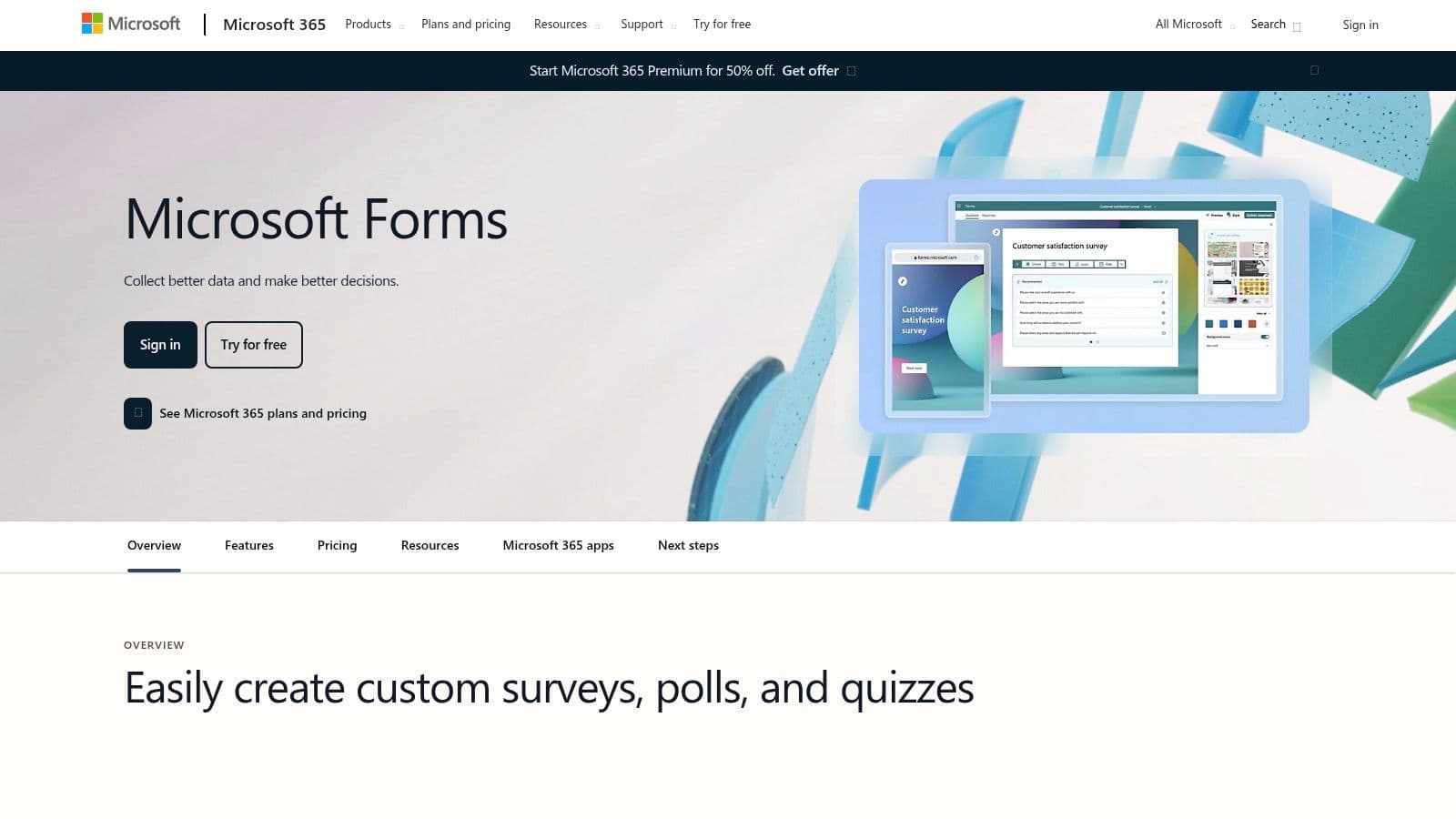
Key features & considerations
- Customization: Moderate. Basic theming plus branching logic.
- Integrations: Strong inside the Microsoft ecosystem.
- Data security: Inherits Microsoft 365 compliance features; HIPAA configurations require appropriate plans and settings1.
- Pricing: Included with many Microsoft 365 subscriptions; a free personal option exists.
Pro tip: Use the “Open in Excel” feature for a live, updating spreadsheet of intake responses and integrate with Power Automate for follow-up workflows.
Website: https://forms.office.com
6. Cognito Forms
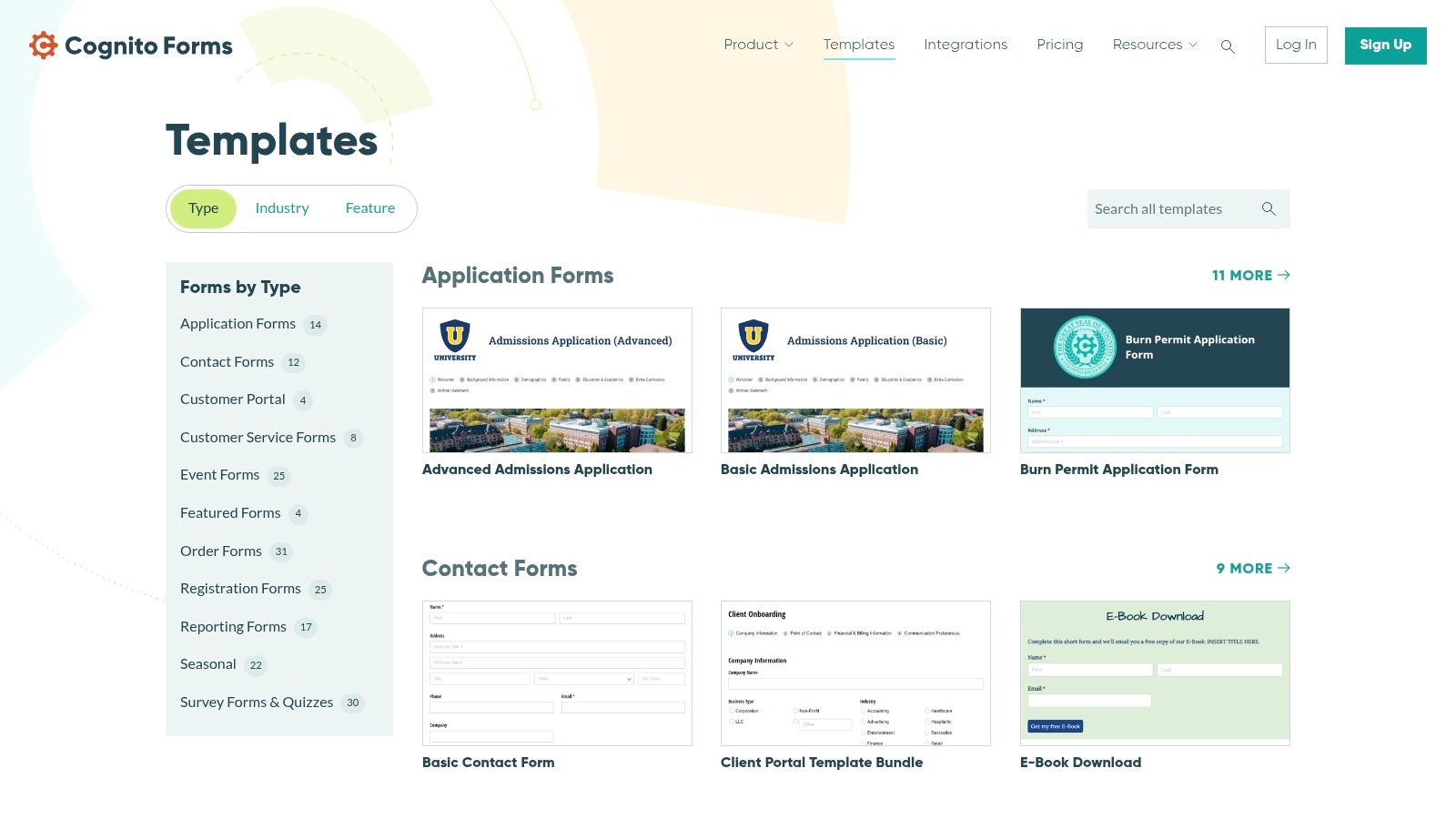
Cognito Forms is notable for advanced logic, calculations, and a secure client portal for returning clients. It’s great when you need clients to update their information over time.
Key features & considerations
- Customization: High. Strong conditional logic, calculations, and repeating sections.
- Integrations: Good. Works with Zapier, Make, and payment gateways like Stripe.
- Data security: Data encrypted at rest and in transit; HIPAA available on Enterprise plans1.
- Pricing: Generous free plan; paid tiers from about $15/month.
Pro tip: Enable Save & Resume so clients can return to lengthy assessments without losing progress.
Website: https://www.cognitoforms.com/templates/
7. PandaDoc
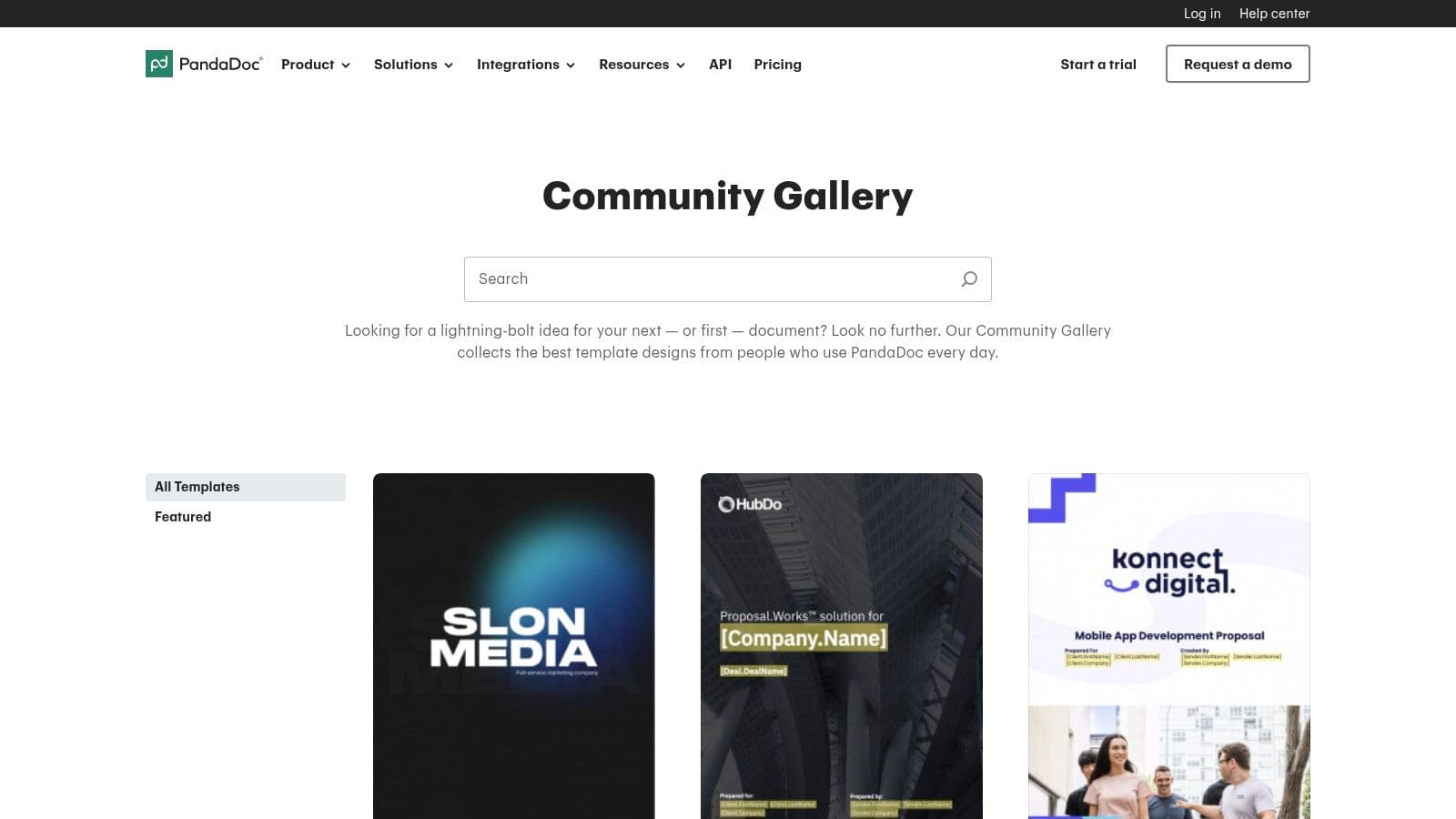
PandaDoc combines intake with contracts and e-signatures. If your intake must collect both information and a signed agreement, PandaDoc streamlines that into a single document-centric workflow.
Key features & considerations
- Customization: Moderate. Focused on document layout and fillable fields.
- Integrations: Strong with CRMs and payment tools.
- Data security: Provides e-signatures with audit trails; legally sound signing workflows3.
- Pricing: Free eSign plan available; paid plans for richer features start around $19/month per user.
Pro tip: Save frequently used sections like your privacy policy to the Content Library so you can build combined intake and contract documents quickly.
Website: https://www.pandadoc.com/community-gallery/
8. DocuSign (PowerForms)
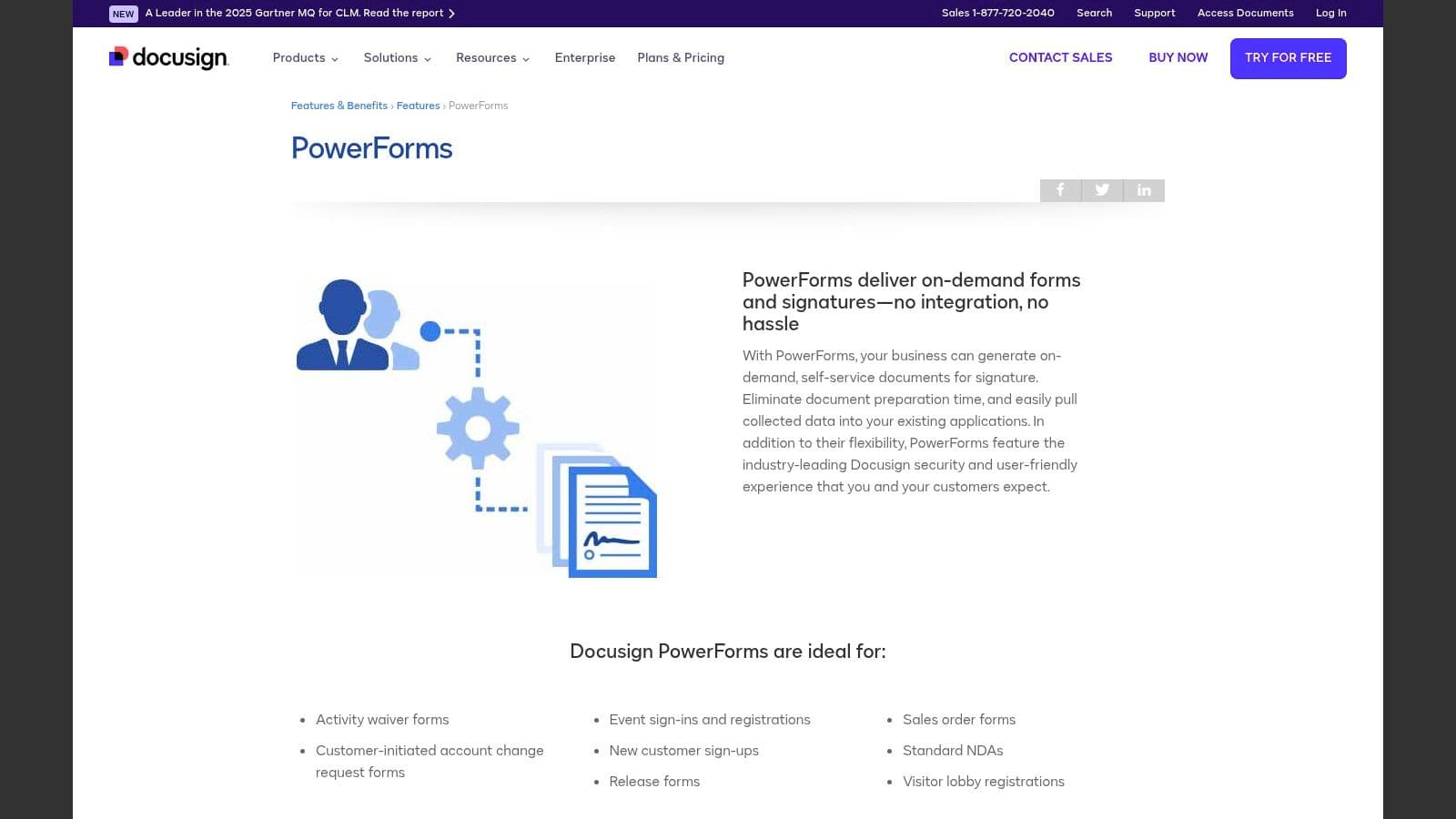
DocuSign’s PowerForms let clients self-start signable intake documents via a public link. This is ideal when signatures and audit trails are required before the first session.
Key features & considerations
- Customization: Moderate. Focused on signable fields and signature workflows.
- Integrations: Extensive with CRMs and cloud platforms.
- Data security: Enterprise-grade security and compliance; supports HIPAA and 21 CFR Part 11 where configured1.
- Pricing: PowerForms require Business Pro or higher; plan-dependent pricing.
Pro tip: Use a two-step process: collect non-sensitive info with a simple form, then send a PowerForm for signature on consent and service agreements3.
Website: https://www.docusign.com/products/electronic-signature/features/powerforms
9. Adobe Acrobat Sign
Adobe Acrobat Sign is tailored for standardized PDF workflows. Upload your intake PDF, overlay fields and signatures once, then reuse a template for each client.
Key features & considerations
- Customization: Moderate. Best for adding fields to existing PDFs.
- Integrations: Deep integration with Microsoft 365 and SharePoint.
- Data security: Strong compliance and audit trails; HIPAA options available.
- Pricing: Included in some Adobe plans; standalone Acrobat Sign tiers exist.
Pro tip: Save common field sets as templates and apply them to new PDFs to speed up repeated intake documents.
Website: https://helpx.adobe.com/sign/authoring/apply-form-field-template.html
10. Canva
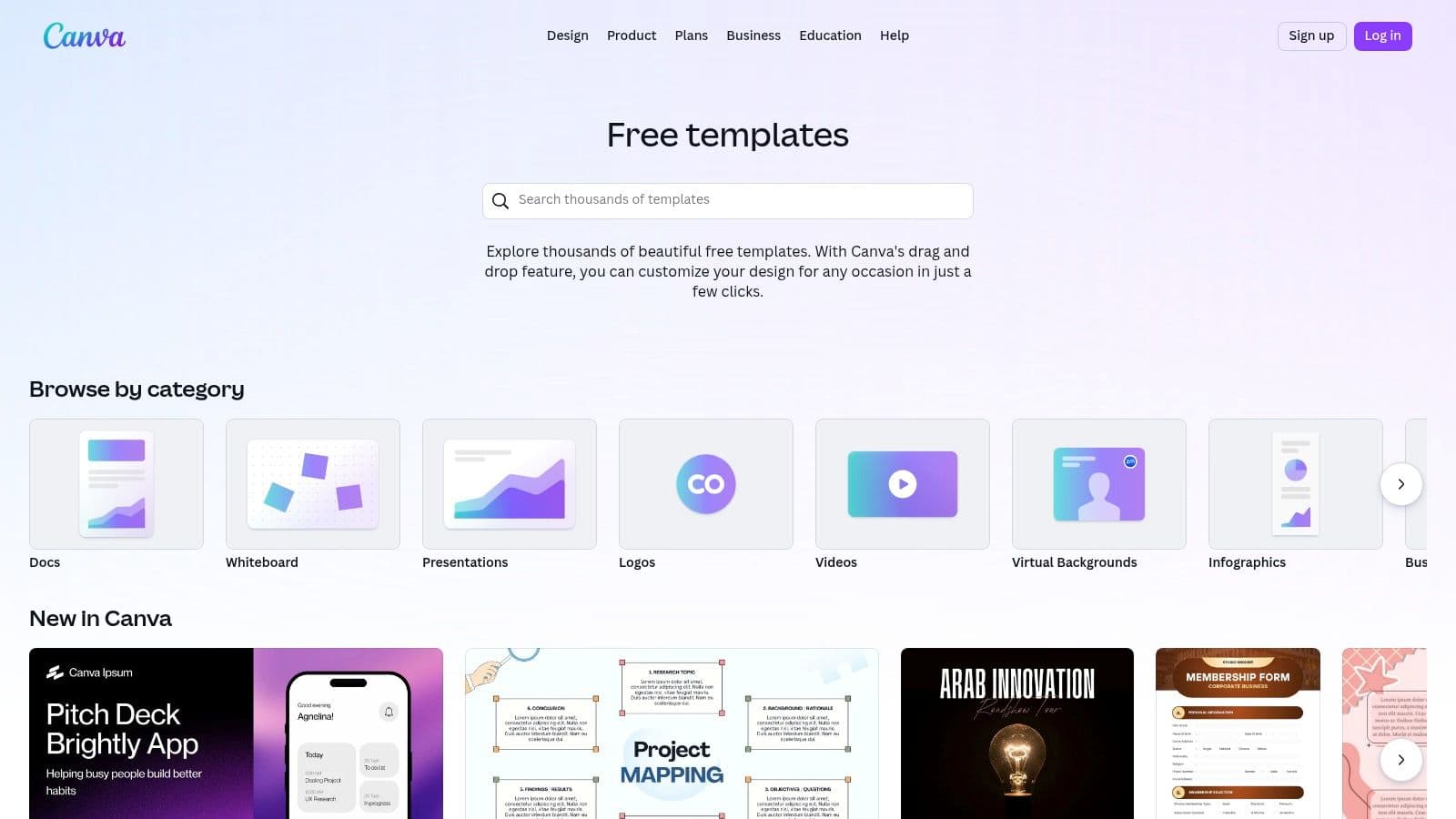
Canva is a design-first tool for creating visually branded intake packets. It’s not a response collector, but it’s excellent for polished PDFs and welcome materials to pair with an online intake workflow.
Key features & considerations
- Customization: Very high. Brand kits, templates, and an easy design interface.
- Integrations: Exports files; does not collect responses.
- Data security: You are responsible for how completed PDFs are collected and stored.
- Pricing: Free plan available; Canva Pro unlocks brand kits and premium assets.
Pro tip: Build a Brand Kit in Canva to maintain consistent colors and fonts across intake packets and welcome materials.
Website: https://www.canva.com/templates/
11. Etsy
Etsy is a marketplace for downloadable intake templates. It’s a low-cost way to get niche, professionally designed forms that you can edit in Canva or export as PDFs.
Key features & considerations
- Customization: High if editable in Canva; quality varies by seller.
- Integrations: None; templates are files you manage yourself.
- Data security: Not applicable; you handle how completed forms are collected.
- Pricing: One-time purchases typically range from $5 to $30.
Pro tip: Search for “client welcome packet” bundles to get intake forms plus agreements and onboarding materials in one purchase.
Website: https://www.etsy.com
12. Clio Grow
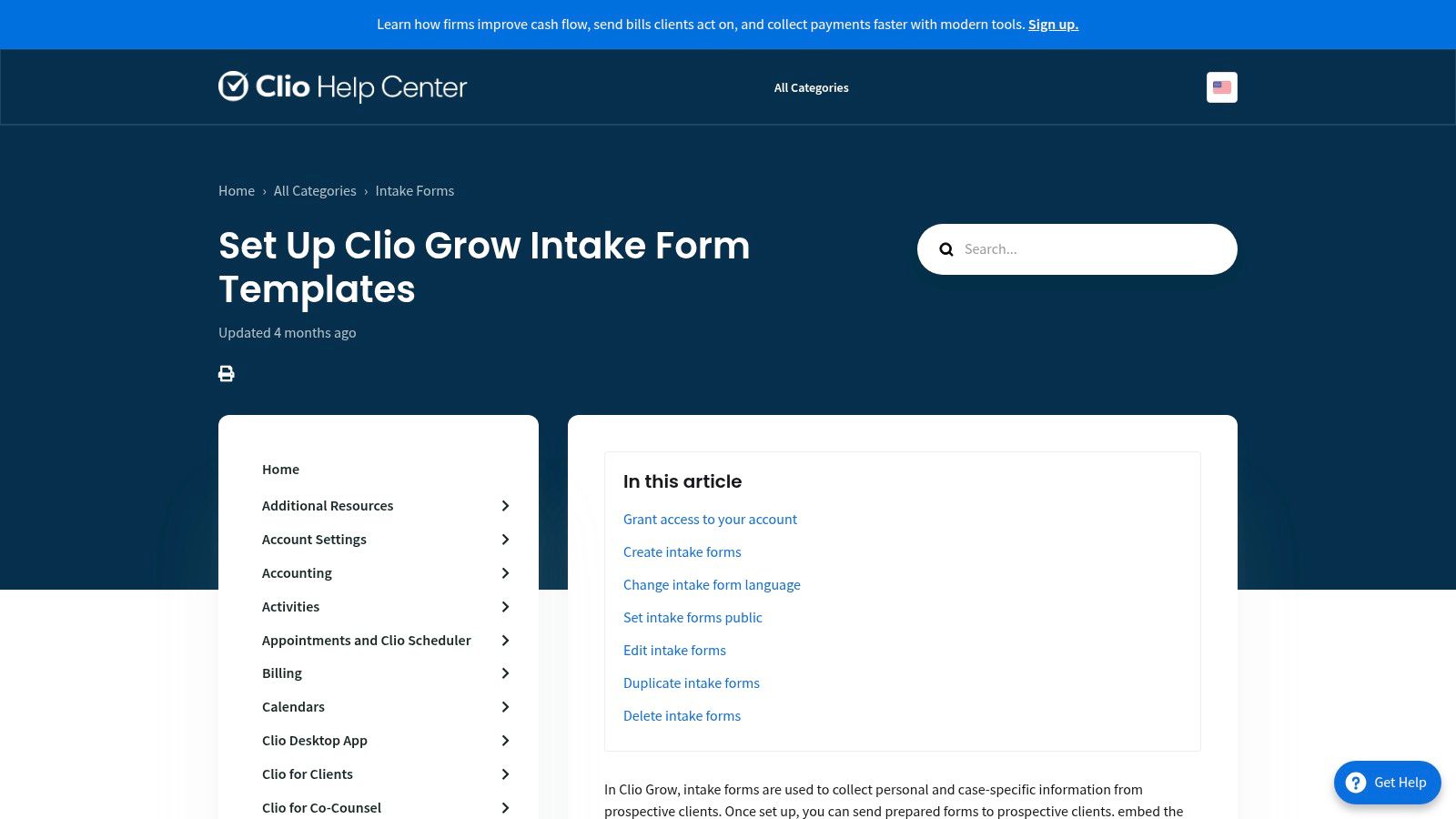
Clio Grow is built for law firms. Its intake forms map directly to client and matter records, eliminating duplicate data entry and creating a smooth handoff into case management.
Key features & considerations
- Customization: Moderate. Map intake fields to contact and matter fields.
- Integrations: Excellent within the Clio ecosystem.
- Data security: Designed for legal confidentiality and secure workflows.
- Pricing: Requires a Clio Grow subscription; aimed at legal practices.
Pro tip: Use the Quick Form when capturing client details on calls to add contacts and matters directly to your pipeline.
Website: https://help.clio.com/hc/en-us/articles/9073499214747-Set-Up-Clio-Grow-Intake-Form-Templates
Quick Comparison
| Tool | Core features | UX & quality | Price/value | Best for | Unique strength |
|---|---|---|---|---|---|
| Jotform | Large template library, conditional logic, PDF gen | ★★★★☆ | Free tier; paid for HIPAA | SMBs, healthcare | Massive templates; HIPAA-ready |
| Typeform | Conversational UX, logic flows | ★★★★★ | Free limited; paid plans | Client‑facing intake | Polished conversational UX |
| Formstack | Automation, doc gen, HIPAA | ★★★★☆ | Higher cost; trial | Regulated orgs | End‑to‑end workflow |
| Google Forms | Simple, Sheets sync | ★★★☆☆ | Free | Solo practitioners | Instant, no-cost setup |
| Microsoft Forms | M365 integration, branching | ★★★★☆ | Included with M365 | Teams using Microsoft tools | Native Excel/Teams support |
| Cognito Forms | Logic, client portals, encryption | ★★★★☆ | Competitive tiers | Ongoing client management | Client portal for returning clients |
| PandaDoc | Document + intake + eSign | ★★★★☆ | Free eSign; paid tiers | Combined intake & contracts | Document-centric workflows |
| DocuSign | PowerForms, enterprise security | ★★★★☆ | Plan-dependent | Legal, healthcare waivers | Public PowerForms for signing |
| Adobe Sign | PDF field templates, compliance | ★★★★☆ | Enterprise tiers | PDF-based workflows | Robust PDF templates |
| Canva | Branded designs, export to PDF | ★★★★☆ | Free; Pro upgrades | Coaches, creatives | Fast branded intake packets |
| Etsy | Downloadable templates, niche designs | ★★★☆☆ | One-time purchases | Niche businesses | Affordable, niche variety |
| Clio Grow | Intake → matter mapping, embeds | ★★★★☆ | Clio subscription | Law firms | Intake tied to legal CRM |
Choosing the right tool
Match the tool to your needs rather than chasing features. Consider these factors:
- Client experience: Do you want a conversational, guided intake (Typeform, Jotform) or a formal, signable document (PandaDoc, DocuSign)?
- Technical comfort: Are you comfortable building complex logic, or do you need a simple template you can deploy quickly?
- Workflow integration: How will intake data move into scheduling, billing, or case management systems? Think about where responses will live and who will access them.
- Security and compliance: If you collect protected health information, choose a platform with HIPAA support and a BAA1.
Shorter forms and focused questions improve completion rates; removing unnecessary fields reduces friction and helps more clients finish the intake process2.
Actionable next steps
- Pick one or two tools from this list that align with your priorities.
- Sign up for a free plan or trial and build a test intake form.
- Complete the form from a client’s perspective and iterate until the flow feels clear and respectful of their time.
A simple test will reveal more than a feature sheet. Make the client experience the north star.
Frequently Asked Questions
Q: Which intake tool is best for solo practitioners on a budget?
A: Google Forms or Microsoft Forms. Both are free or included with common accounts, simple to set up, and integrate with Sheets or Excel for basic tracking.
Q: How do I ensure my intake process is HIPAA-compliant?
A: Choose a vendor that offers a HIPAA-compliant plan and a signed BAA. Store data on secure, access-controlled systems and limit PHI collection to what’s necessary1.
Q: Should I use an online form or a signable document for intake?
A: Use a conversational form for initial discovery and a signable document when you need consent or a contract. Combining both—an intake form followed by an e-signature step—balances UX and legal protection3.
Concise Q&A — Common user concerns
Q: How long should my intake form be?
A: Ask only essential questions at first. Keep the initial intake short to improve completion, and use follow-up forms for deeper assessments2.
Q: How do I handle PHI safely?
A: Use a HIPAA-ready plan and a signed BAA, enable encryption at rest and in transit, and limit access to authorized staff only1.
Q: What’s the best flow for intake + consent?
A: Collect basic info with a conversational form, then present a single signable document for consent and agreements to capture signatures and an audit trail3.
Quick Q&A
Q: Which platform should I try first? A: Start with the platform that fits your workflow: Google Forms for zero cost, Typeform or Jotform for higher completion, and Formstack or DocuSign when you need automation or signatures.
Q: What’s the minimum I should collect on first contact? A: Name, email, phone, and a short reason for the appointment—keep it under five fields to maximize completions2.
Q: When is a BAA required? A: A BAA is required if you’re collecting, storing, or transmitting protected health information. Choose a vendor that will sign a BAA for HIPAA compliance1.
Additional concise Q&A
Q: Should I collect documents during intake?
A: Only collect documents you need right away. Use secure upload fields and limit storage time.
Q: Can I combine intake and payment?
A: Yes. Many platforms (Jotform, Formstack, PandaDoc) accept payments during intake, but evaluate PCI and HIPAA implications if collecting PHI alongside payments.
Q: How do I improve completion rates quickly?
A: Reduce fields, use conditional logic to hide irrelevant questions, and offer Save & Resume for longer forms2.
Three concise Q&A sections
Q: What’s the fastest way to set up intake?
A: Use Google Forms or a Jotform template, keep the form under five fields for first contact, and test the flow end to end.
Q: How do I protect client data on a budget?
A: Limit PHI collection, store responses in access-controlled cloud folders, and upgrade to a vendor plan that offers a BAA when needed1.
Q: How do I reduce drop-offs during intake?
A: Shorten the initial form, use conversational UX or conditional logic to hide irrelevant questions, and enable Save & Resume for long assessments2.
1.
U.S. Department of Health & Human Services, HIPAA overview and guidance. https://www.hhs.gov/hipaa/index.html
2.
HubSpot, “Contact form best practices,” guidance on minimizing friction and improving conversions for forms. https://blog.hubspot.com/marketing/contact-form-best-practices
3.
DocuSign, overview of electronic signature laws and legal validity of e-signatures. https://www.docusign.com/trust/industry/electronic-signature-law
Discover your life path today
Enter your date of birth and see your life path, free.
Find your life path